Supervised Mode is a special feature on iPhone or iPad devices that allows you to enable and enforce restrictions in such a way that they can't be disabled on that device.
There are currently two paths for supervision:
- Manually Supervise using the legacy process
- Remotely Supervise using experimental features
This guide shows you instructions for the legacy process, which is still fully supported and has worked remarkably well for our customers for a long time. However, we are hoping to pivot entirely to Remote Supervision as the default option soon, as several advantages are just not possible with manual supervision.
To manually supervise your device, you will need to download Tech Lockdown's Supervised Mode Setup tool onto your Mac or Windows computer, then plug your iPhone (or iPad) into your computer. There are two different versions of this tool, so see instructions under:
- Using Tech Lockdown's Supervised Mode Setup Tool on Mac
- Using Tech Lockdown's Supervised Mode Setup Tool on Windows
Supervised mode is required to use the Device Config Generator.
Important Note! If you've enabled Apple's Beta Program on your iPhone, we strongly recommend downgrading to the latest stable/official release of iOS. There is a known issue with our Supervision Tool that affects only this version. Follow the instructions at this link to revert to stable versions of iOS.
Video
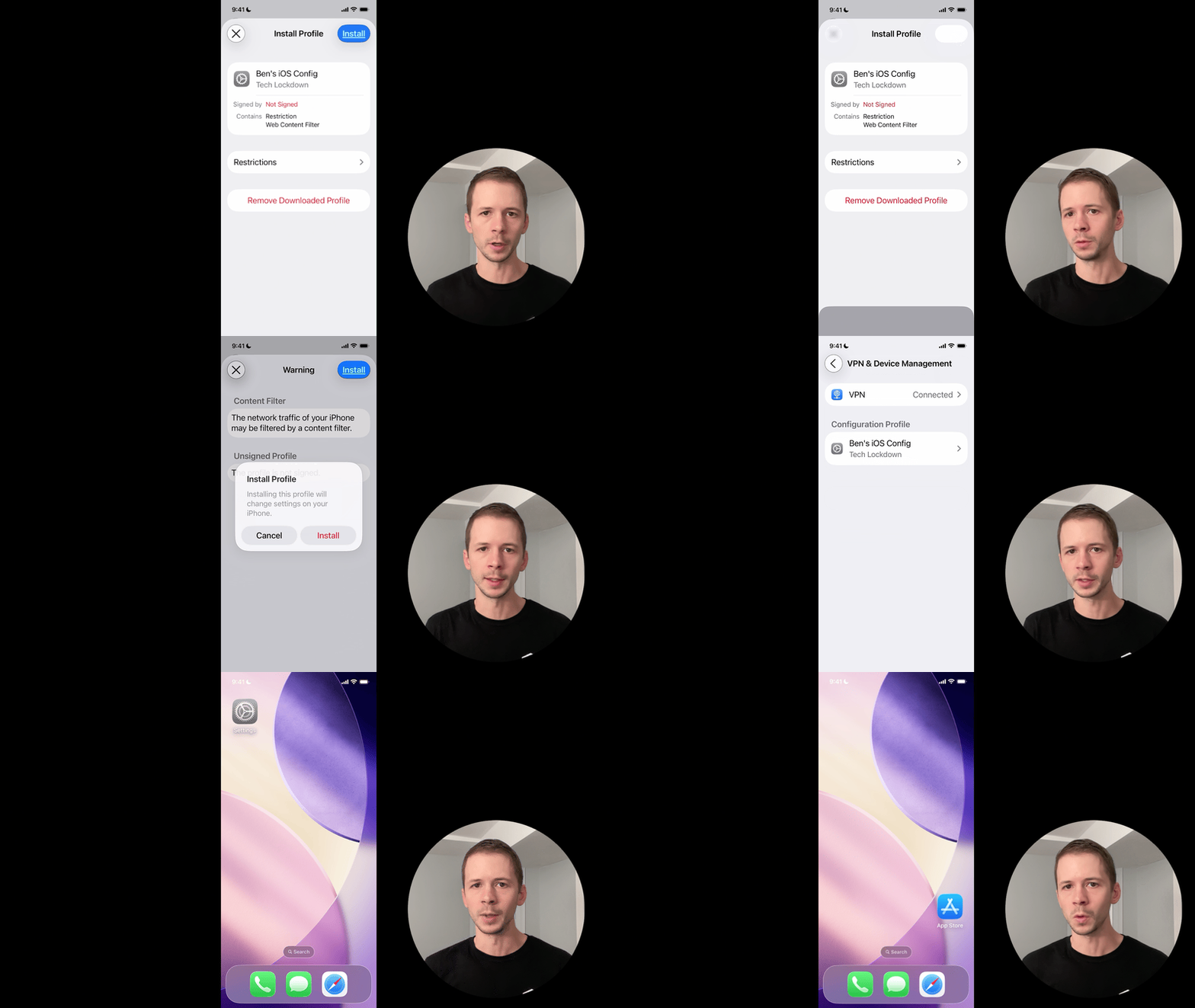
Please see our video below on how to use Supervised Mode most effectively with Tech Lockdown:
Read our Guide
We also have a dedicated guide for enabling Supervised Mode on iPhones and iPads on our main website. This guide walks you through several practical applications that adults (or parents) can use to enforce filtering, enable deeper restrictions, and more using Apple Config Files and our Config Generator Tool.
Frequently Asked Questions
Does Supervised Mode work on an iPad?
Yes. Device supervision should work on most modern iPads.
Why enable Supervised Mode?
Supervised Mode fully unlocks your ability to use our Device Config Generator, which has more advanced restrictions available than you could typically enable using an app downloaded from the App Store.